jev-chat-jarvis-mac
微信消息意图识别悬浮窗(macOS):看屏 + 本地小模型判断意图和风险,再按话术生成回复候选。纯只读、不注入微信。
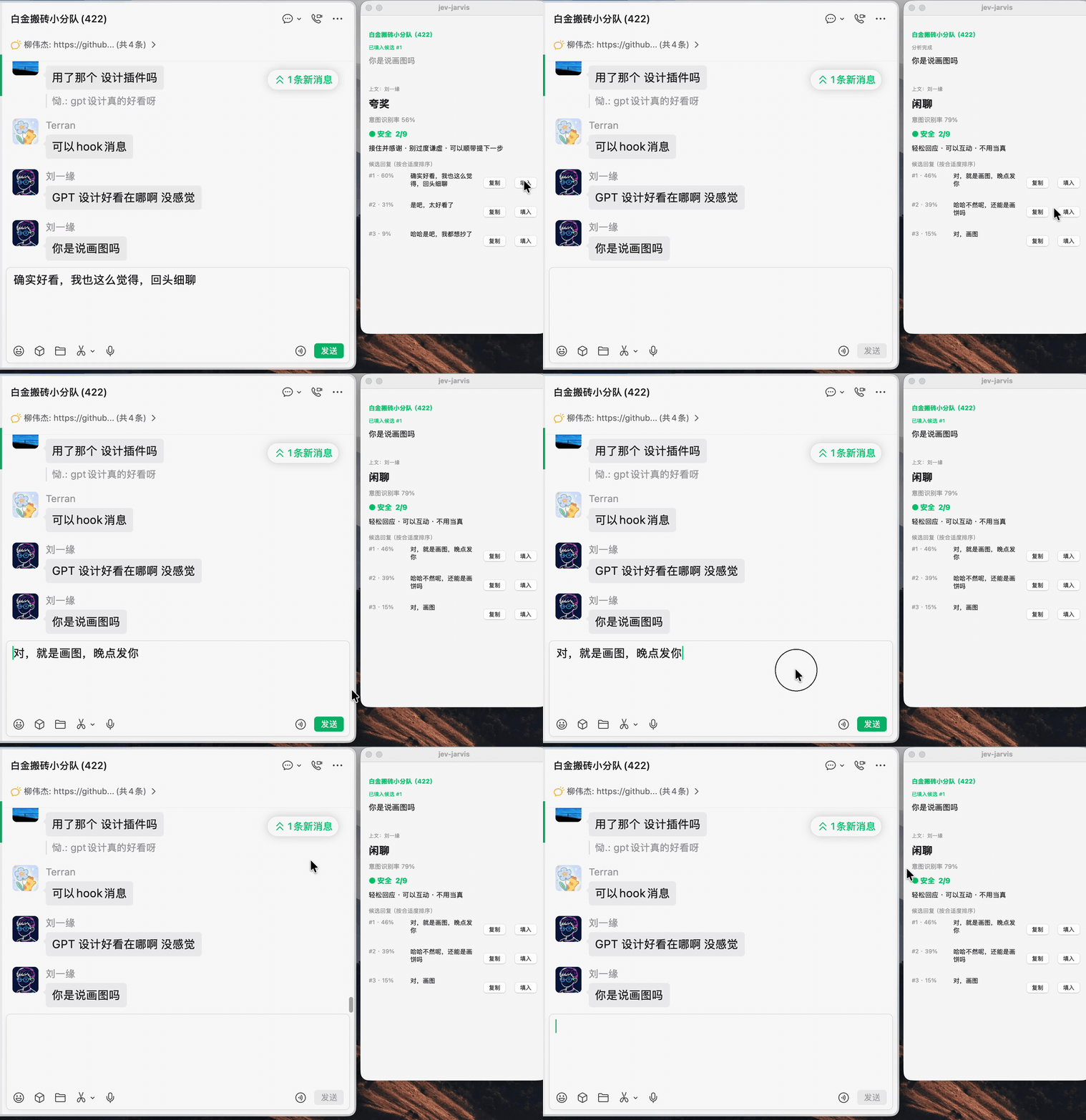
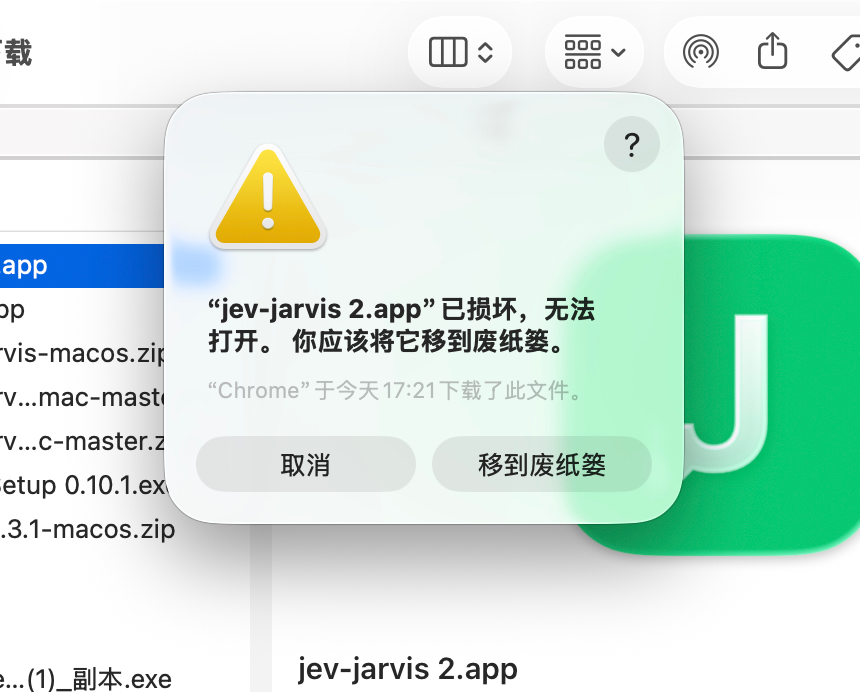
聊天悬浮窗助手(macOS):屏幕感知 + 本地小模型判断意图与风险,按话术生成回复候选。纯只读。
How it uses Jev
- 意图 + 风险 :8 类意图零样本 86.4% (22 条回归口径),风险 0–9 分级 + 行动建议,本地模型一次前向出全分布 - 候选回复 :内置 14 种话术并发生成(含恋爱向「狗头军师」三件套:稳健 / 会撩 / 抽离;每种话术候选数 1—5 条可配置,默认 2 条)→ 先上屏 → 本地模型排序后原位重排;换话术立刻按当前消息重新生成 - 窗口层级 :状态栏菜单「固定在最前面」可即时切换悬浮窗是否盖在其他窗口上,默认开启;关闭后其他窗口可以盖住面板 - 快 :消息一出现判断 + 生成同时起跑,M1 Pro 出意图 1.5 s、出候选 1.5–2 s(端到端为机制推算口径,以日志实测为准) - YOLO 检测框 (可选, JEV BOXES=1 启动即开、菜单栏可切):OCR 命中的消息实时框在聊天窗口上,对方/我分色 + 置信度
- Languages
- Python 96% · Shell 4% · C 1%
- License
- MIT
- Latest release
- jev-jarvis v0.6.0
- Last activity
- Sep 2026
- Added
- 2026-09-22
- Stars at snapshot
- 346
- Status
- Community listing
Source: community catalog. Details and metrics reflect the published community snapshot and are not a performance endorsement. Documentation details extracted from GitHub · the README.