yardsort
Desktop app that runs terminal coding agents in parallel git worktrees, with Jev judging each changed file against what the workspace was asked to do.
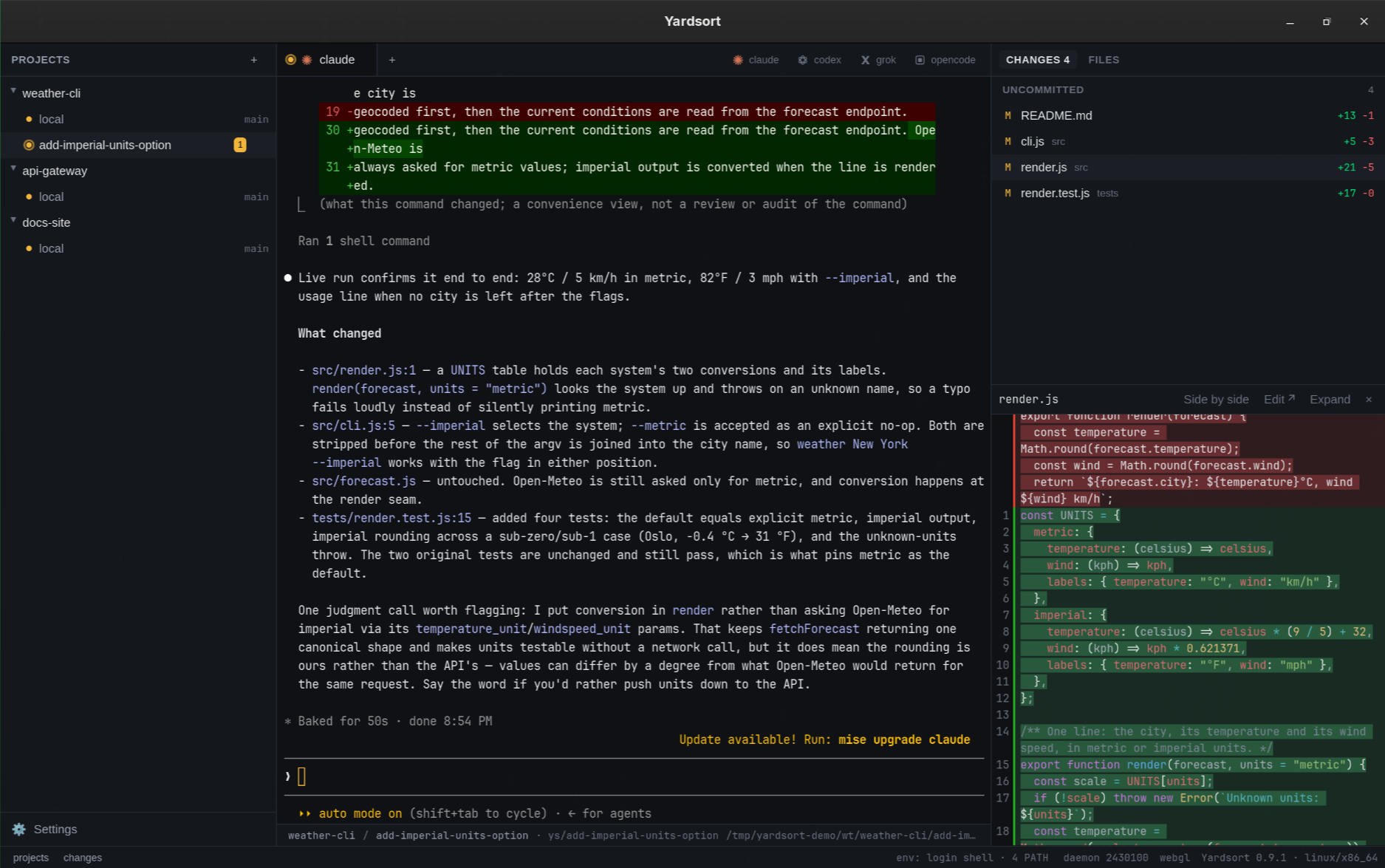


Run AI coding agents in parallel, each in its own git worktree. Desktop app for Linux, macOS and Windows (Tauri + Rust).
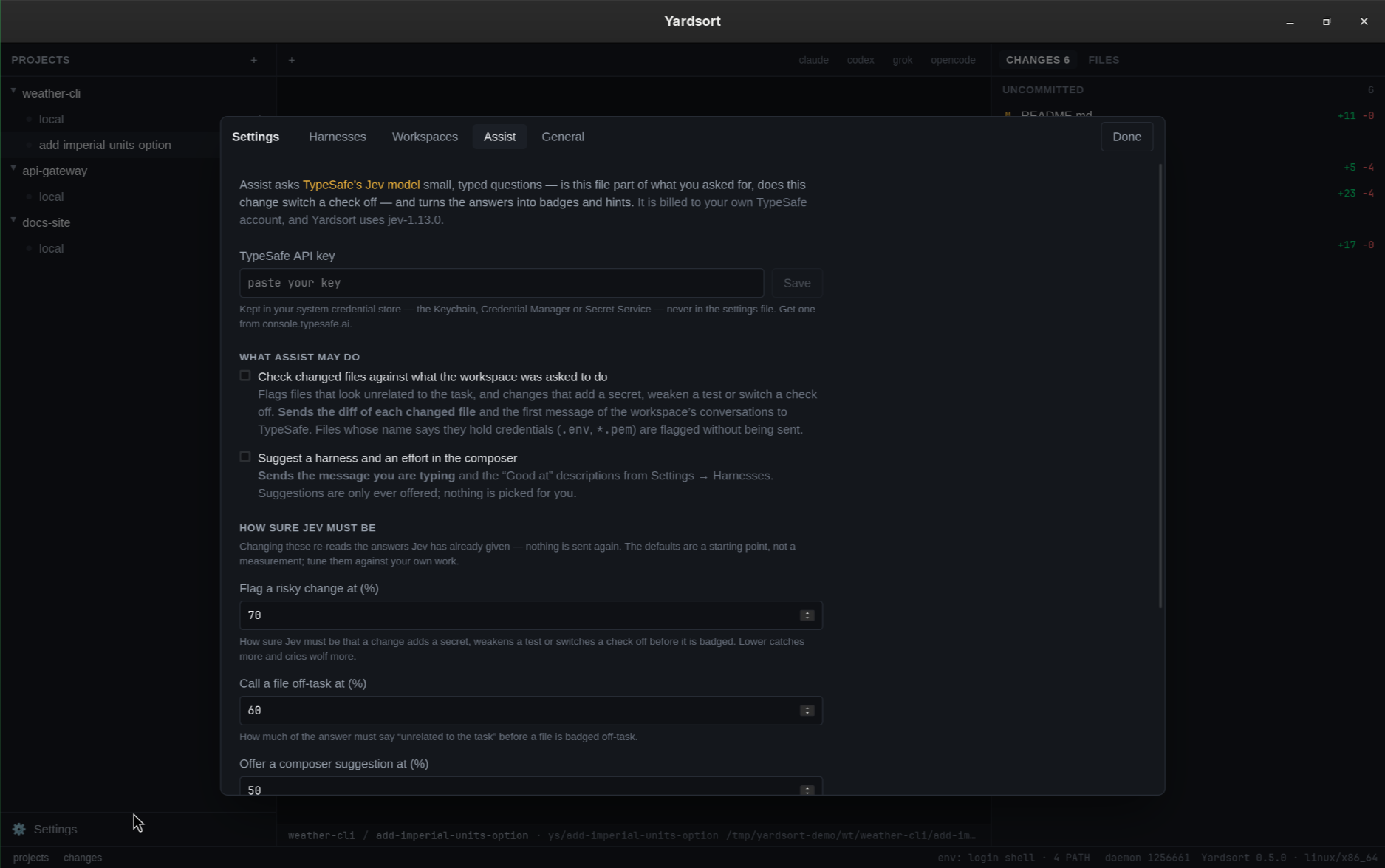
How it uses Jev
- Any terminal agent. Claude Code, Codex, Grok, OpenCode, OMP, Cursor and Pi out of the box; add any other with a few lines of configuration — no plugin, no release to wait for. - The terminal is the truth. Agents run in a real PTY with their own interface. Whatever they can do in your terminal, they can do here — and Yardsort never parses their output. - Plain git, no lock-in. Workspaces are ordinary worktrees and…
Highlights
- Any terminal agent. Claude Code, Codex, Grok, OpenCode, OMP, Cursor and Pi
- The terminal is the truth. Agents run in a real PTY with their own interface. Whatever they
- Plain git, no lock-in. Workspaces are ordinary worktrees and branches. Inspect or undo
- Closing the window doesn't stop them. Terminals live in a small background process, so
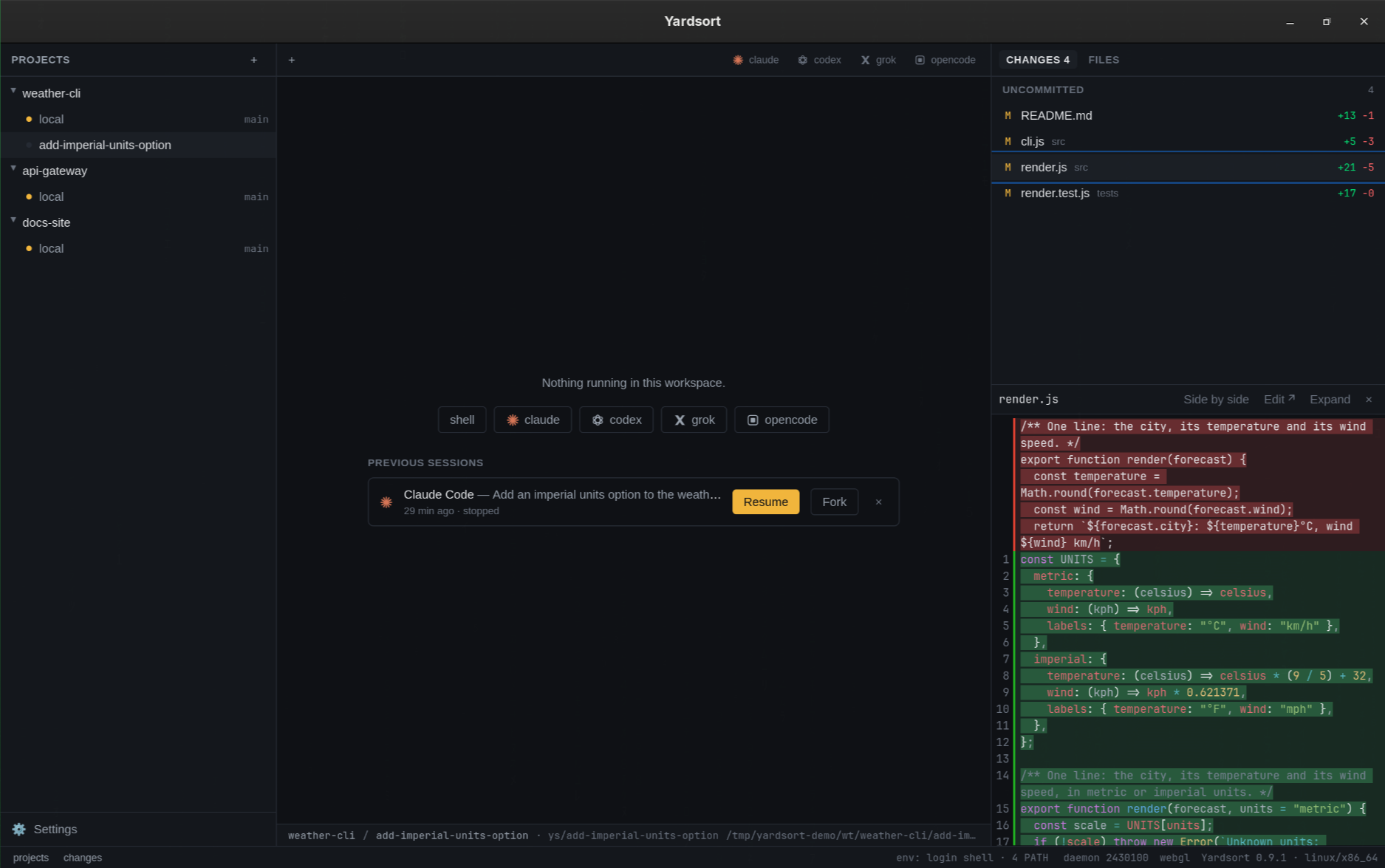
- Pick up where you left off. For conversations that really did end, press Resume — it is
- See what happened. Live list of changed files, character-level diffs, a file tree, and
Getting started
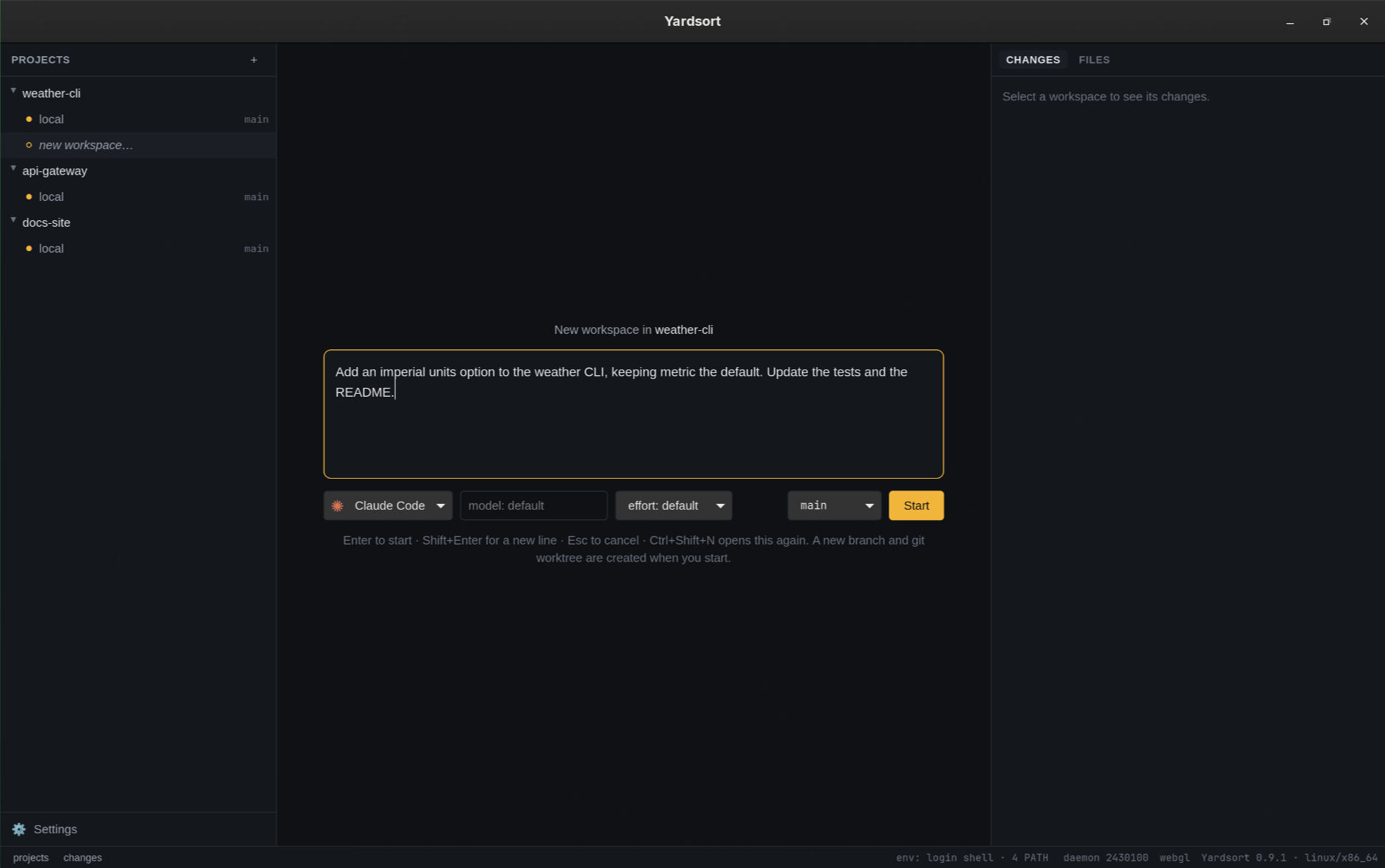
1. Open Yardsort and press + next to Projects → Open a folder → choose a git repository. 2. Press + on the project (or Ctrl+Shift+N / ⌘N ), type what you want done, press Enter . 3. Watch the agent in the middle, and its changes on the right. Start more workspaces in parallel. 4. The result is an ordinary git branch —…
- Languages
- Rust 62% · TypeScript 34% · Shell 3% · JavaScript 1%
- License
- GPL-3.0
- Latest release
- Yardsort v0.10.0
- Last activity
- Sep 2026
- Added
- 2026-09-23
- Stars at snapshot
- 0
- Status
- Community listing
Source: community catalog. Details and metrics reflect the published community snapshot and are not a performance endorsement. Documentation details extracted from GitHub · the README · the project website.